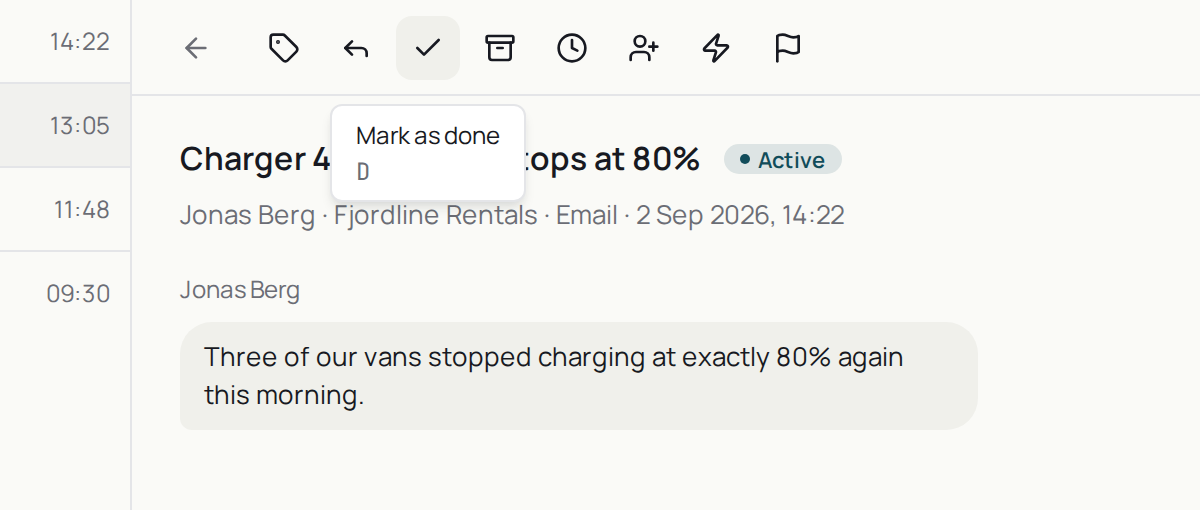
Mark it as done
What pressing D does to a conversation, and why a done conversation comes back to Active when the customer replies.
Practice inbox
Alia6Active3Snoozed1Done
Click here, then use your keyboard
Click the window, then press the keys. It reacts the way the app does.
Step 1 of 6
Open the selected conversation
The row with the dark bar on the left is selected. ↑ and ↓ move it.
What the statuses mean
- Active— waiting on you or your team.
- Snoozed— hidden until a time you pick, or until the customer replies.
- Done— finished from your side. It comes back to Active if the customer replies.
- Archived— closed for good. The customer cannot reply, and a workspace setting archives done conversations after a while, four days by default.
The product says
“This conversation will move to the Done tab. It’ll reopen automatically if the customer replies.”
Do it now
Open a conversation you have already answered and press D.